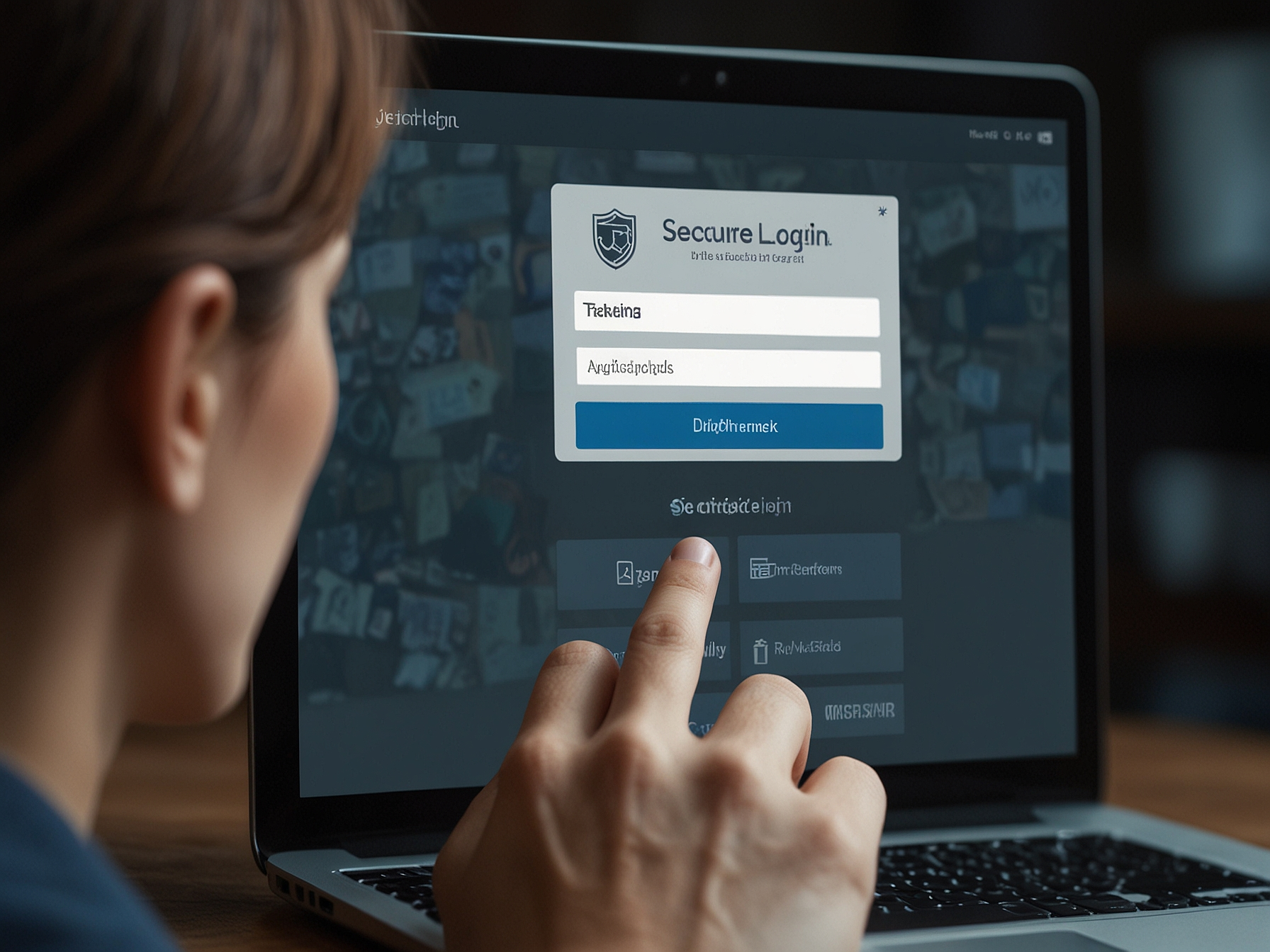
We ensure the login process is intuitive while upholding strong security standards. To log in, navigate to the login page, enter your registered email or mobile number and your secure password, and confirm. If two-factor authentication is enabled on your account, you will be prompted to enter the verification code sent to your device.
We recommend using a unique password and enabling additional verification options when available to add an extra layer of protection. Avoid using public or shared devices for login, and always sign out after your session when on an untrusted network. Regularly review your account activity and update your credentials as needed to maintain strong security.
We take account security seriously and provide several tools to help you protect your profile. Regularly update your password using a combination of letters, numbers and symbols, and avoid reusing credentials from other sites. Use the account settings to verify contact details and set recovery options, which significantly reduce the risk of losing access to your account.
We also strongly advise enabling two-factor authentication when prompted and reviewing active sessions in your account settings. If you notice any unfamiliar activity, please change your password immediately and contact our official support channels for assistance. Our team will guide you through verification steps to restore account control quickly and securely.
If you forget your password, use the password recovery option on the login page. We will guide you through verifying your identity using your registered email or mobile number and any additional verification data you previously provided. This process is designed to be secure while allowing legitimate account owners to regain access quickly.
We do not recommend sharing account credentials with anyone. Our staff will never ask for your password. If you receive an unsolicited request for login details, contact our support immediately and do not provide sensitive information. We maintain strict procedures to help you recover access without compromising your data security.
We monitor accounts for suspicious activity and provide alerts when we detect unusual access patterns. Signs of unauthorized activity include unfamiliar withdrawals, changes to account details you did not make, or login attempts from unknown devices and locations. If you encounter any of these signs, change your password immediately and contact our support team for a full account review.
We recommend keeping your contact details up to date so we can reach you promptly regarding security events. You can set up notifications for important account events and enable stricter login controls from your profile settings. These proactive measures significantly reduce the likelihood and impact of unauthorized access.
Enable two-factor authentication and keep your account details confidential. Learn more about our safety features.
Common issues include forgotten passwords, unverified accounts and attempts to log in from different regions. For forgotten passwords, use the recovery flow and verify via your registered contact details. For verification delays, ensure you follow the instructions and submit clear, legible documentation if requested.
If you are locked out due to multiple failed attempts, wait the temporary lockout period or contact support to expedite account verification. For device-specific problems, clear your browser cache, ensure cookies are enabled and check that no browser extensions interfere with the login process. Our support team can advise on specific troubleshooting steps for your device or network.
We treat your account data and privacy with the utmost care. Personal information you provide during registration and verification is stored in encrypted systems with restricted access. We adhere to best practices to keep your data secure and only use it to support account operations, compliance requirements and customer service.
You have access to control your information in your account settings and can request data updates or removal where applicable. We provide transparent explanations about how we process data and the measures in place to protect your privacy. For details on data handling, consult our privacy statements available within the platform.
If you experience login difficulties that the self-help tools do not resolve, contact our official support channel. We verify requests carefully to maintain account security while providing assistance quickly. Typical support requests include password recovery, verification assistance and session troubleshooting.
When contacting support, provide relevant account details, the device you used and a clear description of the problem. This helps our team diagnose and resolve issues faster. We respond to security-related requests with priority to protect account integrity and your funds.
Use the password recovery link on the login page and follow the verification steps sent to your registered email or mobile. If you still need help, contact support with details to verify your identity.
Yes. We strongly recommend enabling two-factor authentication to add an extra layer of protection for your account. Follow the prompts in account settings to set it up.
Change your password immediately and contact support. We will review recent activity, secure your account and advise on next steps to restore access safely.
Use the official support contact available within your account or the Help section of the site. Provide clear details so our team can verify your request and respond efficiently.